Fundamentals
This is essential documentation to work with the "My synthesizers" section.
Home / dashboard
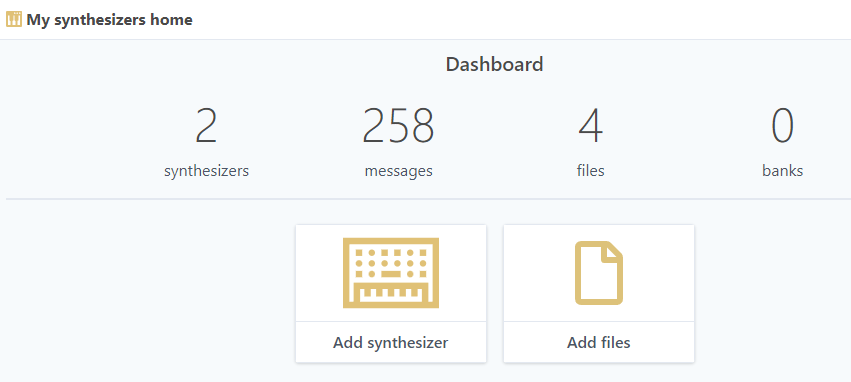
The dashboard is accessed with the  button.
Dashboard
This page presents some statistics of your account and links to adding new synthesizers and files to your account
Synthesizers
This documentation describes how to manage your synthesizers on synthsonline.com
Add synthesizer
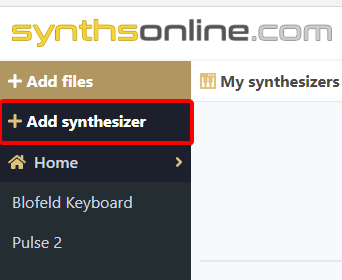
- To add a new synthesizer to your account, use the side menu and click Addsynthesizer

- In the synthesizer dialog, type the name of your synthesizer in the "Find synthesizers..." field:

- Click Add button to add the synthesizer of your choice.
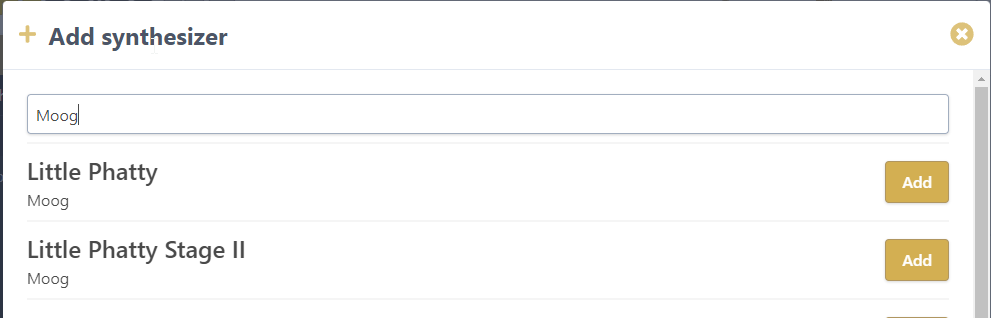
The synthesizer is added to your account and made available in the side menu.
Browse synthesizers
To browse synthesizers:
Desktop
- Click on the model name in the side menu. In this example, we clicked on Blofeld Keyboard:
This has multiple consequences:
- Synthesizer tools are displayed in the main window
- Files and Banks submenus are displayed
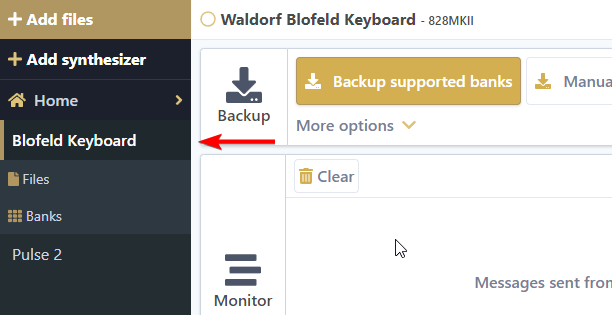
To choose another model, click on its name in the side menu.
Mobile
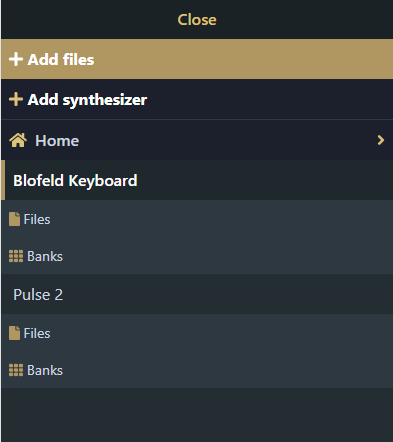
The desktop side menu does not exist in the same form on mobile devices. Instead a drop down menu with the name of the currently selected synthesizer or page is displayed at the top of the screen:
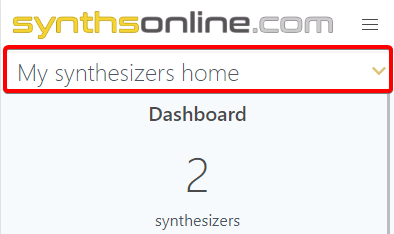
Opening this drop down will display the menu with the same options as the desktop. However, there are some differences: