Simplified backup
This feature is only available with Premium plan
Simplified backup allows to request synthesizer sound messages from your browser. Check supported synths page that have the Simplified backup feature to know if your synthesizers support this feature.
For accurate processing of messages do not use or change any parameter of your synth during this process
Backup all banks
This feature allows to request and backup all supported banks of a synthesizer at once from the browser. To start the backup
- Click on Backup supported banks to start the backup


This will start the sound backup process.
Backup selected banks
This feature is not supported on synthesizers that only have on bank
To start the backup:
- Expand the More options section
- Select the banks to backup
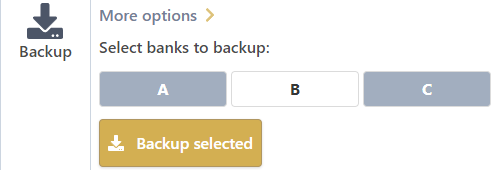
- Click on Backup selected
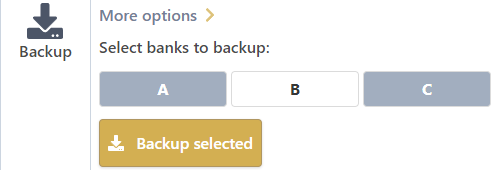
This will start the partial sound backup process.
Backup progress
Backup progress is displayed when banks are requested. Backup section is replaced by a progress bar until the end of the operation:
Location of imported messages
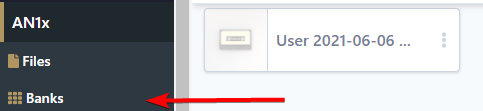
Imported sound are available in a bank visible in the Banks menu section of your synthesizer, e.g. :