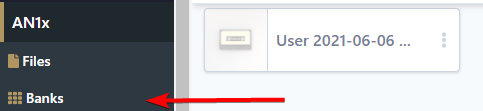
Start a manual dump
To start a manual dump:
- Click Manual dump.
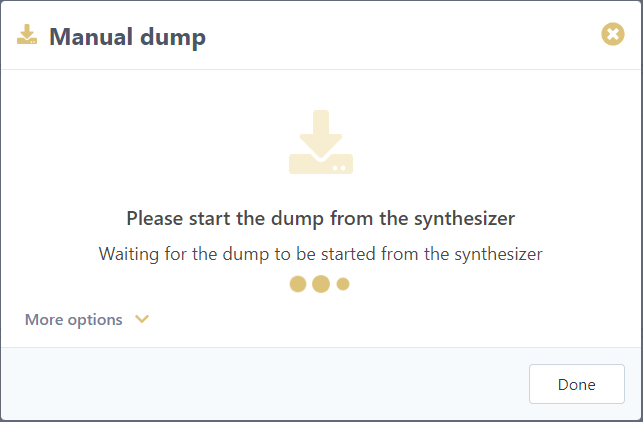
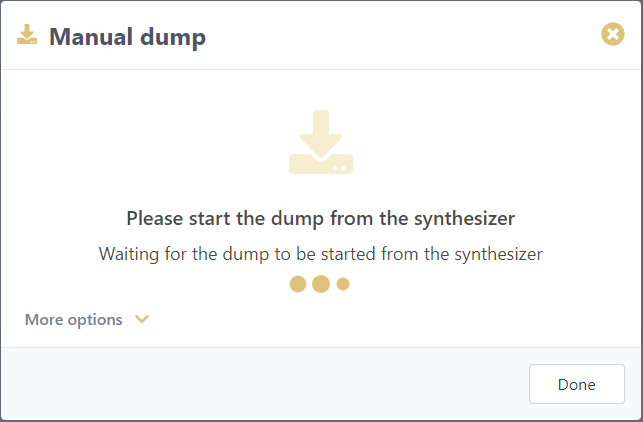
- The following popup will open and wait for sound messages to be sent from the synthesizer:
- Start a sound dump from your synthesizer (refer to synth manual for details).
- Sounds will start to be stored. A progress bar is displayed, similar to this one:

Information displayed differs from synth to synth depending on what features are supported
- Import ends automatically when no sounds are received for some time. Total backup-ed sounds is displayed, e.g. :

- Click Done button to close the window


Imported sound are now available in a bank visible in the Banks menu section of your synthesizer, e.g. :