
Manual dump
Manual backup allows to backup sound messages manually sent from your synthesizer.
When supported by the synthesizer, the button Manual dump is displayed in the Backup module: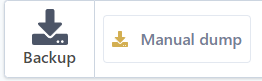
Start a backup
manual dump
- Click Manual dump.
The following popup will open and wait for sound messages to be sent from the synthesizer: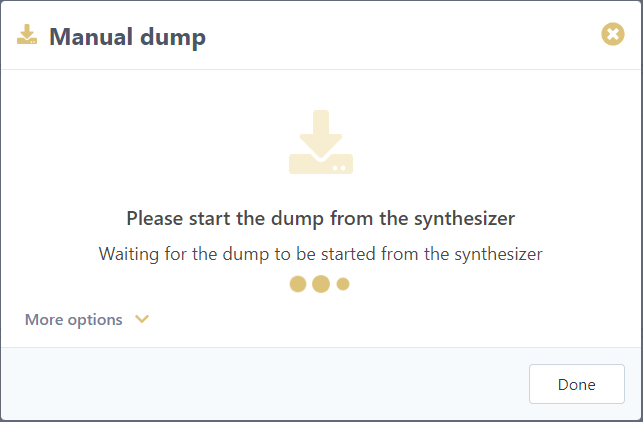
- Start a sound dump from your synthesizer (refer to synth manual for details).
- Sounds will start to be stored. A progress bar is displayed, similar to this one:

Information displayed differs from synth to synth depending on what features are supported
- Import ends automatically when no sounds are received for some time. Total backup-ed sounds is displayed, e.g. :

- Click Done button to close the window
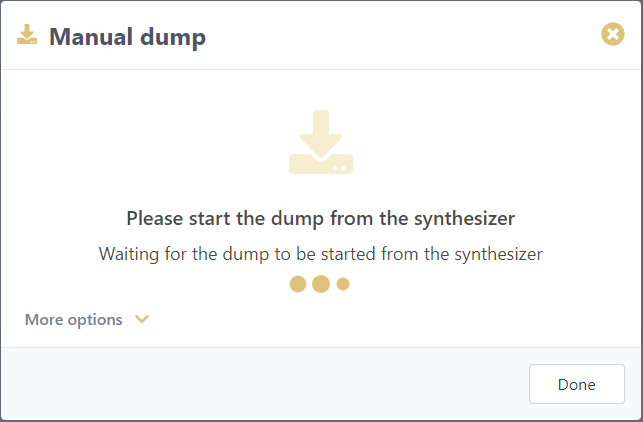


Imported sound are now available in a bank visible in the Banks menu section of your synthesizer, e.g. :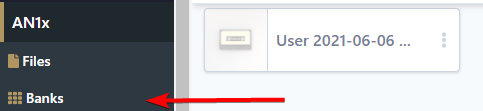
Advanced: More options
Advanced options can be displayed by expanding the More options section.
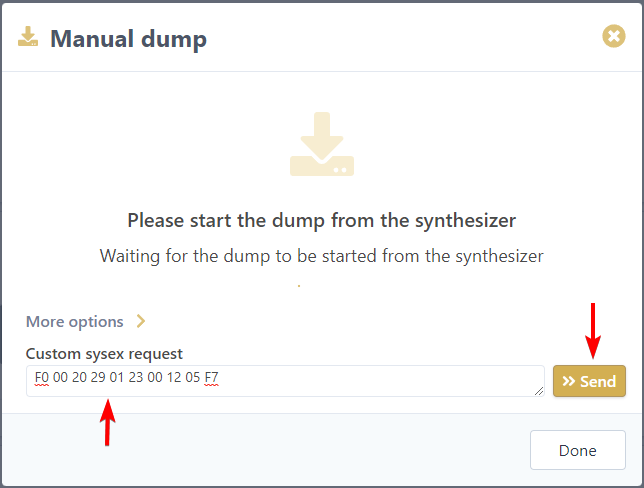
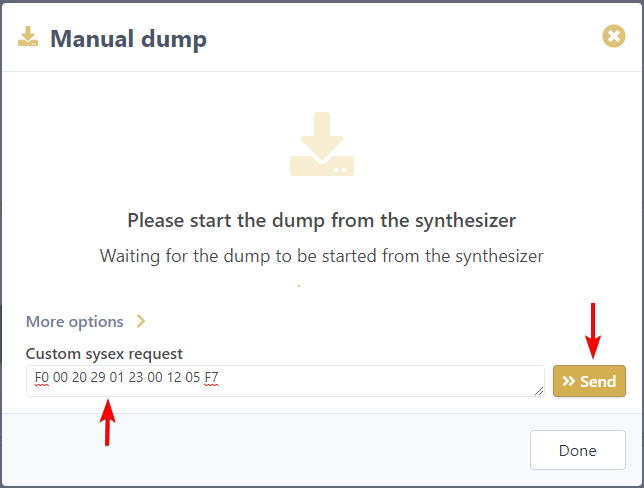
Custom sysex request
This option allows to send a custom system exclusive message to the synthesizer in order to start the backup from the browser. In this case you need to know which message to send to initiate the backup. To start the backup from the browser:
- Type the system exclusive message in the Custom sysex request field (refer to synth manual to know if this is supported)
- Click Send button
If you sent the correct command to the synthesizer and it support its, messages will start to be transfered in the same way as the standard manual dump.