Change e-mail
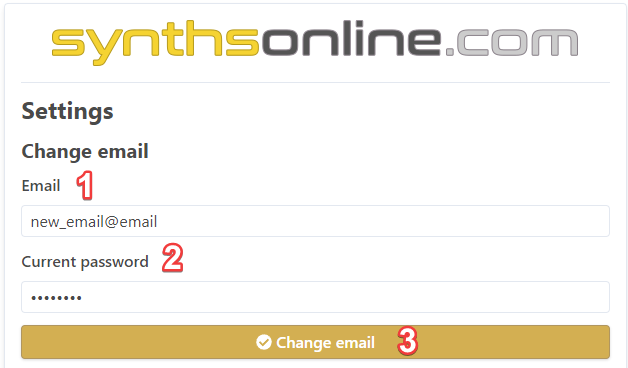
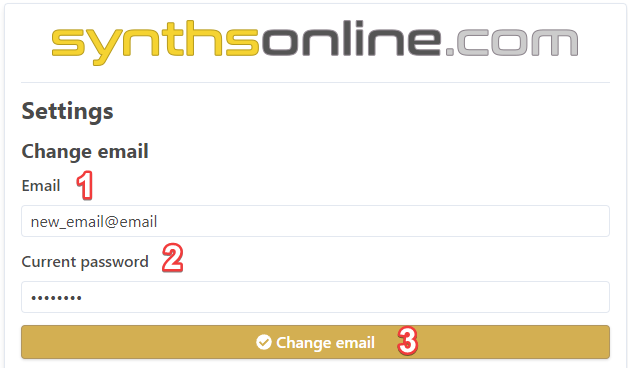
To alter you e-mail go to your profile page, then:
- Edit the Email field with your new e-mail
- Enter your current password
- Click Change email button to apply changes
- An e-mail is sent to the inbox of the new e-mail. Click the validation link given in the e-mail sent.
If you do not receive an e-mail and wait a few minutes and also check your spam folder
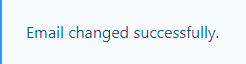
After clicking the link you should be redirected to your profile page with a message that confirms the e-mail was updated: