Change password
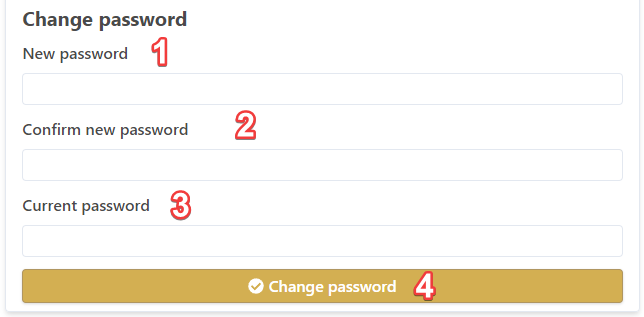
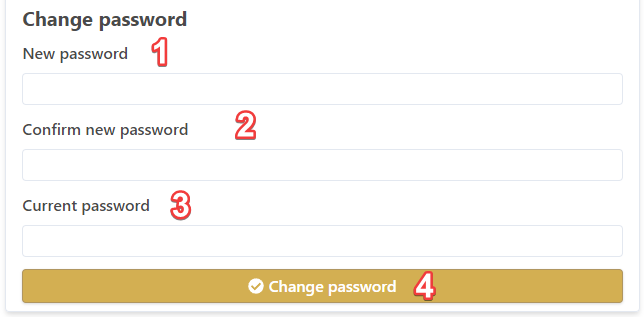
To alter your password:password, first go to your profile page, then:
- Type your new password in the New password field
- Confirm your password in the Confirm new password field
- Enter your current password in the Current password field (for security reasons)
- Click Change password button to confirm the change
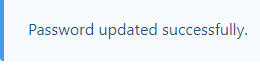
A message confirms your password is updated: